In this article
A good web design for restaurants Make sure your mobile site does four things before the customer loses patience: display the menu in clear, readable text; allow bookings in just two taps; make opening hours and location clear; and provide the same information as your Google listing. If your website falls short on any one of these four points, that diner will end up booking via a commission-based platform or at the restaurant next door. This guide covers which pages you need, how to set up your menu and booking system, what local SEO requires, how much it costs, and how to review your current website in five minutes.
In summary
- Letter: in HTML, with up-to-date prices and the allergens in each dish; the PDF is available only as an optional download.
- Bookings: A fixed button on your mobile linked to your booking engine, which is also linked from your Google Business Profile.
- Local SEO: The same name, address, telephone number and opening hours on the website and on Google, plus structured data about the restaurant.
- Price: At AIRIS, a landing page starts at €495 and a corporate website at €1,595 (plus VAT), with a fixed price agreed before work begins.
What a restaurant’s website should include

A restaurant’s website doesn’t need twenty pages. It needs just a few, well-designed pages tailored for someone browsing it whilst standing in the street or from their hotel room. This is the structure we recommend to almost any establishment, from a pub to a fine-dining restaurant:
| Page or block | What needs to be resolved | Common mistake |
|---|---|---|
| Home | Type of cuisine, area and booking button without scrolling | A large, full-screen video that takes a long time to load |
| Letter | Dishes, prices and allergens in text form | Just a 10 MB scanned PDF |
| Bookings | Choose the day, time and guests without making a phone call | A form that someone fills in the next day |
| How to get there and opening hours | Address, map, car park and closing days | Time zone different from Google’s |
| Groups and events | Group set menus, capacity and customised order form | Combine these enquiries with the usual bookings |
| Team or history | Who does the cooking, and what sets you apart? | Generic text about passion and the product |
| Legal | Legal notice, privacy and cookies | Cookie banner covering the ‘Book’ button |
If you work with an international clientele – as is the case in Marbella and throughout the Costa del Sol – make sure you include at least an English version of the homepage, menu and booking page. A website that’s only partially translated, with the menu available only in Spanish, will lose precisely those tourists who book the furthest in advance.
The logic is the same as that which we apply in our web design in Marbella: First the site map and the text, then the design. That way, every page has a purpose and there are no filler sections.
The online menu: text, up-to-date prices and allergens
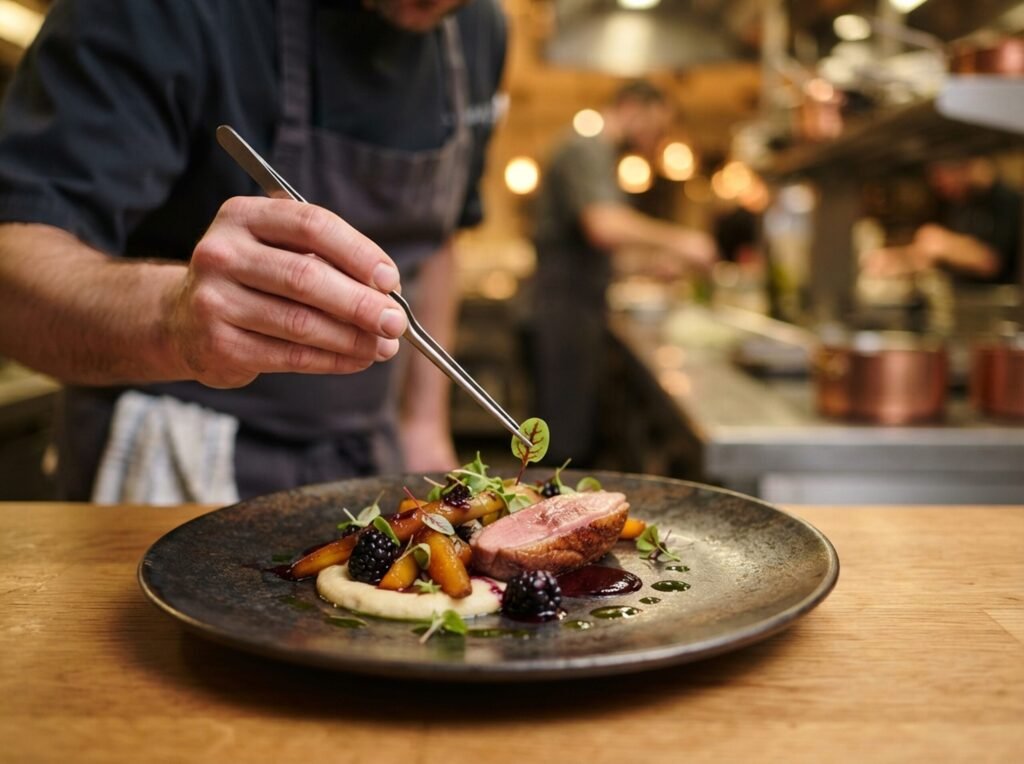
The menu is the page that influences many bookings, yet it’s often the worst-designed part of the website. A PDF forces users to zoom in on their mobiles, takes up several megabytes and is rarely updated when prices change. Create the menu as HTML text: each dish with its name, a line of description, the price and any allergens.
Allergens are not optional. The regulations require that they be declared even on food served unpackaged, and if you sell online (takeaway or home delivery orders), the AESAN points out that information on allergens must be available before a purchase is made. Including them on the online menu serves this purpose and saves you from having to answer questions in the dining room.
- A single source of truth: If you change a price, make sure you update it on the website and in your Company Profile on the same day.
- Seasonal menus: Keep the à la carte menu, the daily special and group set menus separate so that customers do not mix up the prices.
- Real photos: Five or six photos of dishes taken in your own kitchen will sell better than a generic stock image library.
Google reads your menu too. The menu editor in Business Profile allows you to add dishes with descriptions and prices, and According to Google’s help section, changes may take between 24 and 48 hours in Maps and Search. Bear this in mind when you switch maps.
Direct bookings: the button that pays for the website
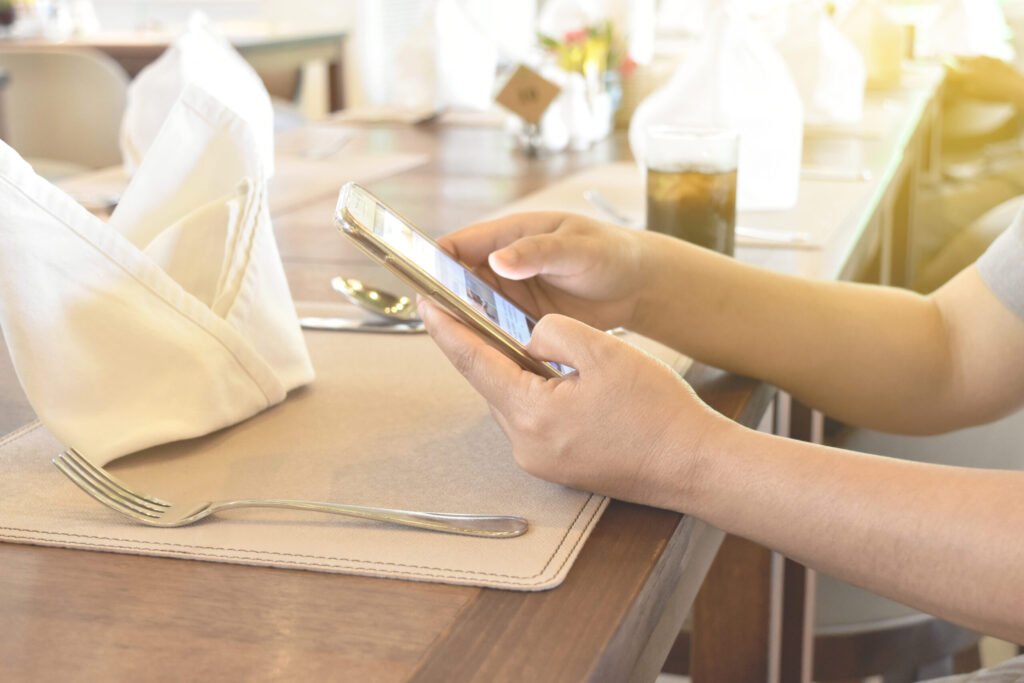
Every booking made via your website is a direct booking. To make this happen, the button Book It must always be visible on the mobile (fixed at the top or bottom) and open the calendar without any intermediate steps. A contact form isn’t enough: the customer wants to confirm a table straight away.
It is standard practice to integrate the widget from your booking engine – the same one that manages the venue – into your website, to avoid duplicating calendars. Check three things before choosing one: that the widget loads quickly on mobile devices, that it’s available in your customers’ languages, and that you can link to it from the booking button on your Google listing.
If you’re currently filling tables via platforms that charge per diner, work out how much it costs you per year and how much you’d save if some of those customers booked via your website.
Booking fee calculator
The initial figures are just an example. Replace them with the figures for your restaurant and your contract with the platform.
Online platforms are still a useful way of attracting new customers. Your website allows customers who already know you, or who find you on Google, to book directly with you.
Local SEO for restaurants: website and Google listing at the same time
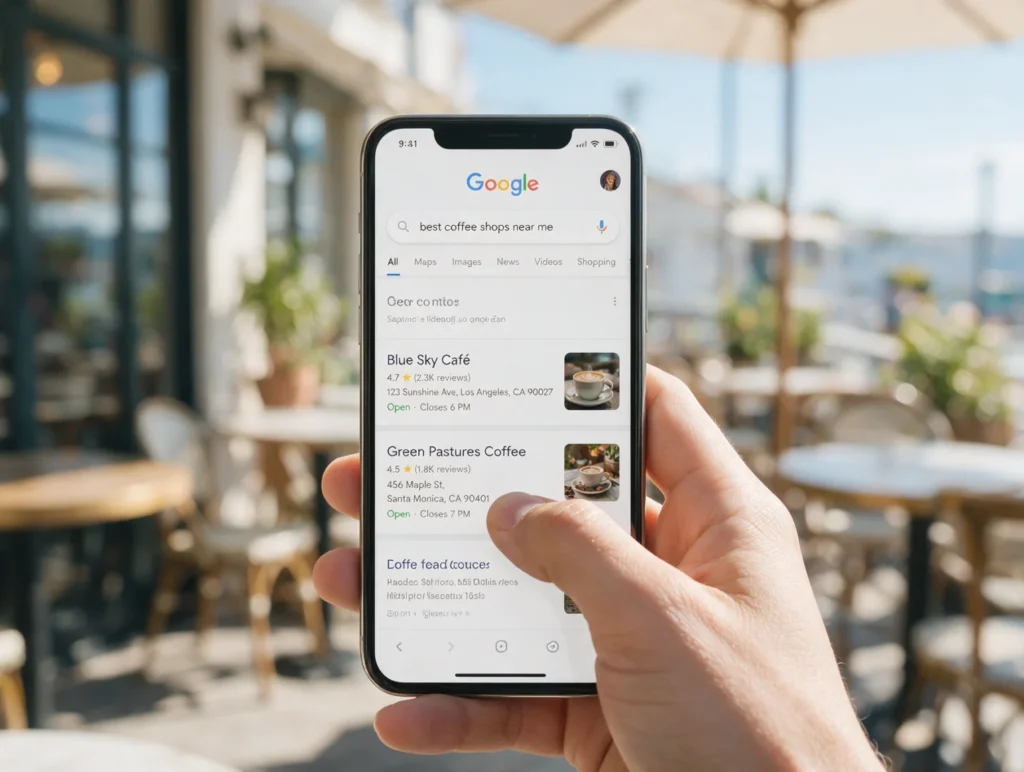
When someone searches for places to eat nearby, Google first shows them a map with restaurant listings. Your website provides the information that the listing cannot: the full menu, group set menus, the history of the venue and commission-free bookings. For Google to link the two, your website and your Business Profile must match in terms of name, address, telephone number and opening hours.
- Structured data: marks the website as a restaurant, including the type of cuisine, a link to the menu, opening hours and price range. Google records these properties in its A guide to structured data for local businesses (servesCuisine, menu, openingHoursSpecification and priceRange).
- Pages with a local focus: If you have two premises, each one needs its own page with its address, map, opening hours and menu.
- Reviews: Answer the questions on Google and add a link from your website to your listing so that anyone recommending you can do so easily.
Our SEO and local SEO services It combines website optimisation and Company Profile optimisation in a single plan. That’s what we did at El Rincón Marbella, a holiday villa for groups: a website in English for British clients, SEO content and a Google Business Profile listing.
Speed on mobile: beautiful photos that don’t slow down loading times
Restaurant websites load a lot of images, and that’s where they lose visitors. Google measures the user experience using Core Web Vitals, and web.dev sets the benchmarks for a good user experience at the 75th percentile of visits:
| Metric | What does it measure? | A good threshold | What spoils it in a restaurant |
|---|---|---|---|
| LCP | How long does it take for the main element to appear? | 2.5 seconds or less | 5 MB cover photo or background video |
| INP | How long does it take for the page to respond to a tap? | 200 ms or less | Booking, chat and Instagram widgets loading simultaneously |
| CLS | How much does the content move whilst it is loading? | 0.1 or less | Cookie banner or carousel that prompts the ‘Book’ button |
The solutions are straightforward: export the photos in WebP or AVIF format at the actual size at which they are displayed, load the booking widget only when the user clicks the button, and replace the embedded Instagram feed with your own gallery. Measure the performance before and after using PageSpeed Insights in mobile mode.
How much does web design for restaurants cost?
The price depends on how many pages, languages and integrations you need. As a guide, here are the starting points published on our web design page, along with the type of restaurant each one typically suits:
| Type of website | From (+ VAT) | Deadline | Goes well with |
|---|---|---|---|
| Landing page | 495 € | 1 to 2 weeks | A restaurant with a short menu and bookings managed via an external system |
| Company website | 1.595 € | 2 to 4 weeks | Restaurant with a full menu, bookings, group bookings and an English version |
| Website with booking facilities, a shop or integrations | 2.495 € | 3 to 6 weeks | Multiple outlets, online orders or bespoke integrations |
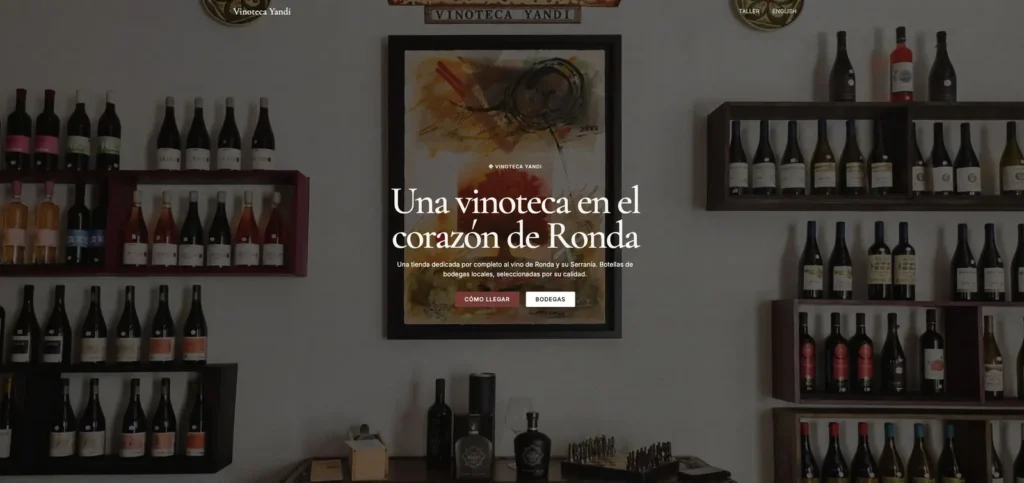
An example from the first row is the landing page we created for Yandi Wine Cellar, a wine shop in Ronda that needed to showcase its premises and its selection of local wines. As well as the design, ask them to provide you with a written breakdown of the recurring costs: domain name, hosting, the booking engine fee and maintenance. Also check that the domain name and access details are registered in your name.
Common mistakes on a restaurant’s website (and how to spot them)
These errors are common on many hospitality websites. Almost all of them are rectified within a few days, and each one costs the business bookings:
- Conflicting timetable: The website says you’re open on Monday, but Google says you’re closed. The customer trusts Google, and you lose the booking.
- Book by telephone only: At rush hour, nobody answers the phone, and neither do they at eleven o’clock at night.
- Menu without prices: It creates mistrust and results in calls that the control room staff are unable to deal with whilst on duty.
- Website in Spanish only in areas with a lot of foreign tourists.
Tick the boxes that apply to your website and get an indicative score:
Checklist: Is your restaurant’s website generating bookings?
Eight points based on this guide. Check your website on your mobile, not on your computer.
Your website is losing bookings every week. Start by looking at the menu and the ‘Book’ button.
If you score below six, prioritise the menu and bookings: these are the two factors that have the greatest impact on the number of tables. Next, check the loading speed: a slow website negates the effect of a good menu.
Frequently asked questions about a restaurant’s website
How much does a website for a restaurant cost?
It depends on the number of pages, languages and integrations. At AIRIS, a landing page starts at €495, a corporate website at €1,595 and a website with a booking system, online shop or integrations at €2,495, plus VAT. On top of this, there are recurring costs such as the domain name, hosting and the booking engine fee.
Do I need a website if I already have an Instagram account and am listed on booking platforms?
Yes, if you want commission-free bookings and to control the information customers see. Instagram doesn’t provide a menu listing prices and allergens, and on booking platforms your restaurant appears alongside your competitors. Your website is the only channel you have complete control over.
Can I upload the restaurant menu as a PDF?
As a supplementary download, yes. As the only version, no: on a mobile it forces you to zoom in, it’s usually quite large and it quickly becomes out of date. Publish the menu as plain text on the website itself and offer the PDF for anyone who wants to print it.
Do I have to list allergens on the online menu?
If you sell takeaway or home-delivery food via your website, information on allergens must be available before the purchase is made, according to AESAN. Even if you only take bookings, including this information on the menu helps to clear up any doubts before the customer is seated.
How long does it take to build a restaurant website?
A landing page takes 1 to 2 weeks and a full website takes 2 to 4 weeks, provided you have the photos, menu and text ready. The biggest delay in these projects is the food photography session, so it’s best to schedule this at the start.
Should I use WordPress or a platform like Wix for my restaurant’s website?
For a short, single-page letter, any website builder will do. If you want multiple languages, a letter that your team can edit, structured data and control over loading speed, WordPress gives you more flexibility and the website is registered in your name, without tying you to a specific platform.
If you’d like us to review your current website or build a new one, we’ll send you a proposal setting out the scope, timeframe and fixed price. You can find out how we work on our web design in Marbella or write to us directly.
